IPTV free trial UK
IPTV free trial UK: how to ask, and what to test
Thinking about an IPTV free trial in the UK? This page helps you ask whether one is available. A trial is not guaranteed, and its length and conditions are set by UK Stream Hub, so confirm them first.
Questions to ask about the trial
The button above pre-fills these questions. Add your device model and the channels you most want to test.
- Is a trial available right now? Availability can change.
- How long does it last? Ask for the exact start and end, not just “a day”.
- Is any payment or card detail required? Get a clear yes or no.
- What happens when it ends? Does it stop, or does anything renew or convert into a paid plan?
- Which devices and player apps can I use? Name your exact model.
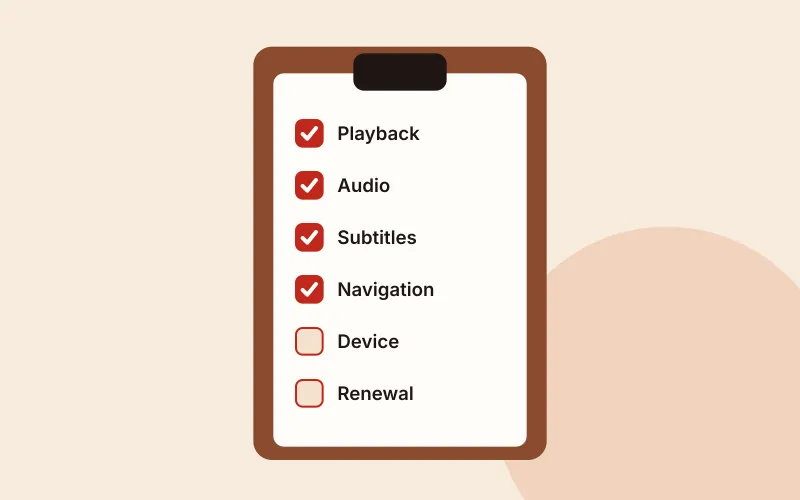
Checklist
What to test during a trial
Test on the device and connection you will actually use, at the times you normally watch.
Playback
Start several streams. Note how long each takes to begin and whether it stalls after ten minutes.
Audio
Check sound stays in sync with the picture and that volume is consistent between streams.
Subtitles
If you rely on subtitles, turn them on for the content you watch most and check timing.
Navigation
Move through menus and the programme guide with your remote. Is it quick enough for everyday use?
Device compatibility
Confirm the player app installs from your official app store and runs on your exact model.
Intended channels
Open the specific channels and catch-up you would pay for, not just the first few in the list.
Home network
Try the same stream on Wi-Fi and, if possible, Ethernet. See our buffering guide.
Renewal terms
Before the trial ends, confirm in writing what happens next and how a paid plan would renew.
Want a printable version? Read the full IPTV trial checklist.
Next steps
Set up your device first, so trial time is spent testing rather than installing.