Prices & plans
UK IPTV Prices: How to Compare Subscription Plans
How to read an IPTV subscription price in the UK: totals, monthly equivalents, renewals and the extras that decide whether a plan is really good value for you.
The short answer
Compare plans by the total you pay for the term, use the monthly equivalent only as a yardstick, and add anything the price leaves out: app fees, extra connections and renewal terms. Then confirm that the plan works on your device with your channels.
Five steps to compare plans
Step 1: Start with the total
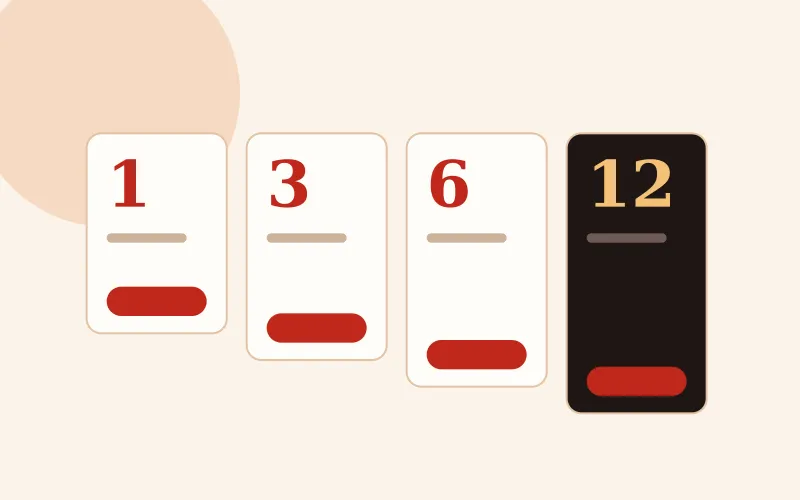
The total is the money that leaves your account. Here are the totals UK IPTV Hub lists:
| Term | Total | Total ÷ months | Monthly equivalent |
|---|---|---|---|
| 1 month | £14.99 | £14.99 ÷ 1 | £14.99 |
| 3 months | £29.99 | £29.99 ÷ 3 | £10.00 |
| 6 months | £39.99 | £39.99 ÷ 6 | £6.67 |
| 12 months | £59.99 | £59.99 ÷ 12 | £5.00 |
Step 2: Use the monthly equivalent correctly
The monthly equivalent is just the total divided by the number of months, rounded to the nearest penny. It helps you see that £59.99 for 12 months works out at about £5.00 a month, against £14.99 for a single month.
Two cautions. First, it is not a monthly bill: you still pay the whole total for the term. Second, never work backwards from a rounded figure. £10.00 × 3 is £30.00, but the 3-month total is £29.99. The supplied total is always the real price.
Step 3: Match the term to how long you will really use it
A longer term only saves money if you keep using it. A practical way to decide:
- Unsure it will work for you? Ask about a trial first, or start with a short term.
- Comparing short terms: three separate 1-month purchases would come to £44.97 at today’s listed price, against £29.99 for the 3-month term. That only holds if the price stays the same, so confirm the current price each time.
- Thinking of 12 months? It has the lowest monthly equivalent here (£5.00), but it is the largest single payment, so make sure refund and renewal terms are clear before choosing it.
Step 4: Add the costs the price may not include
- Player app fees. Some player apps charge their own fee.
- Extra connections. If two people want to watch on different TVs at once, ask how many simultaneous connections the plan allows and whether more cost extra.
- Renewal. Does it renew automatically? At what price? How do you stop it?
- Equipment. An older TV may need a streaming stick to run a supported app.
Step 5: Treat big promises with care
Be cautious of any offer that promises every channel, guaranteed uninterrupted playback, unlimited connections or compatibility with every device. Streaming depends on your own device and network, and availability can change. Clear, written answers to specific questions are worth more than broad claims.
Your comparison checklist
- Write down the total for each term you are considering.
- Note the monthly equivalent for comparison only.
- Confirm the supported app for your exact device, and any app fee.
- Confirm your must-have channels and catch-up.
- Confirm connections, activation, payment, renewal and refund terms.
All of these are on our before-you-order checklist. When you are ready, compare the four plans side by side, or ask about an IPTV free trial first.
Related guides
All guides · Plans · Devices · Free trial
-
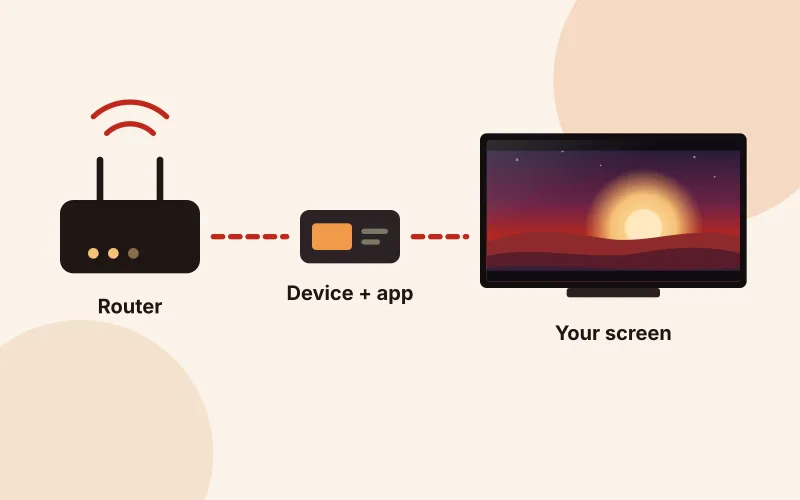
What Is IPTV? A Practical Guide for UK Viewers
Player apps, subscriptions, devices and connections explained in plain English. -
IPTV Free Trial UK: What to Check Before Choosing
Questions to ask first, then a timed checklist for testing a trial properly. -
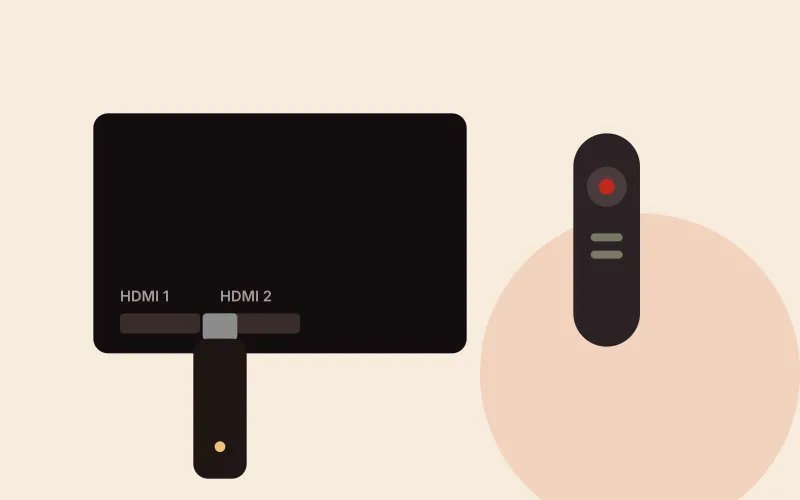
IPTV Setup on Amazon Fire TV Stick
Connect, update and troubleshoot a Fire TV Stick, using Amazon’s own tools.